Walking and Plants - Indiana Plants
Software:
Blender
Description:
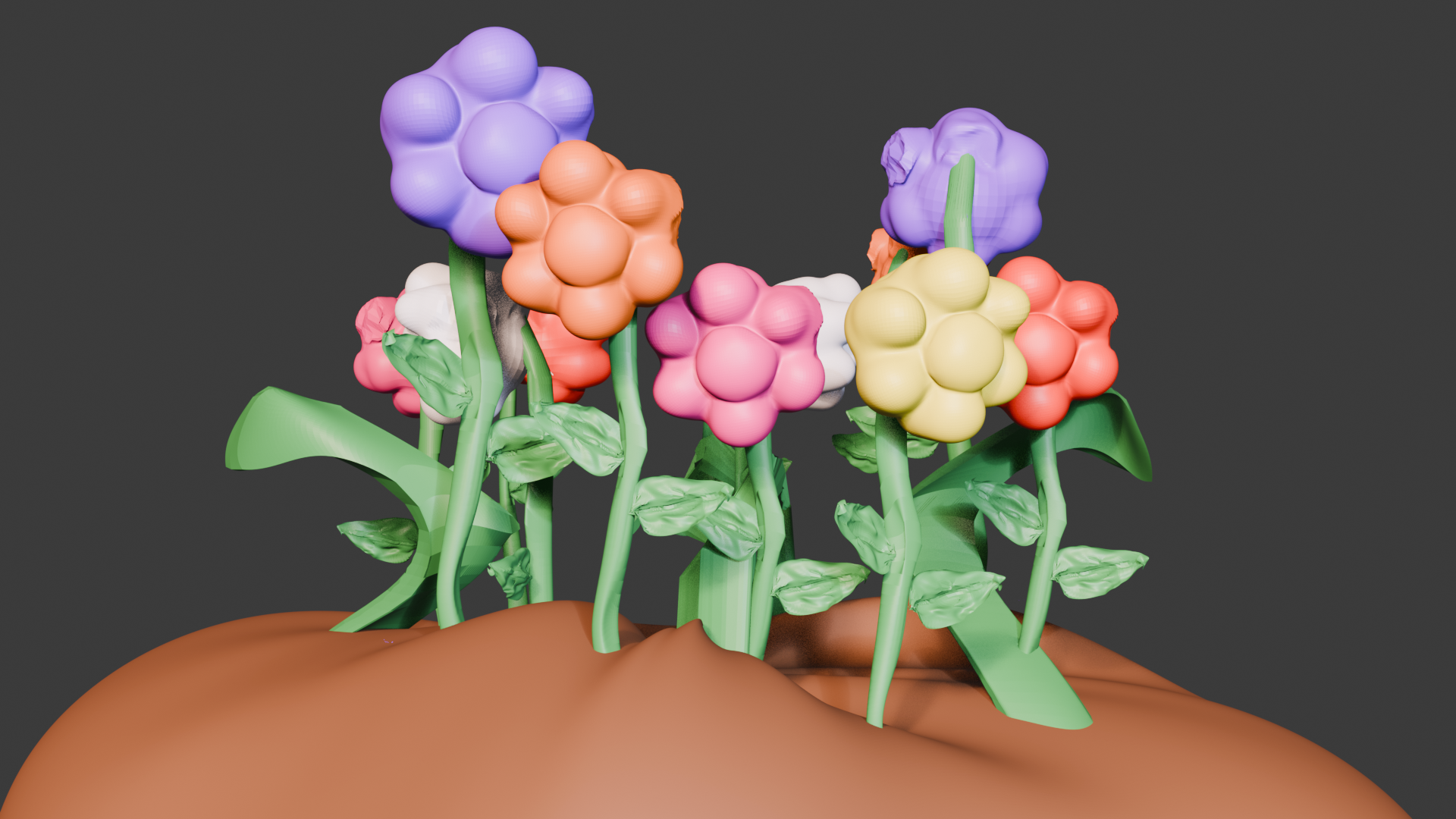
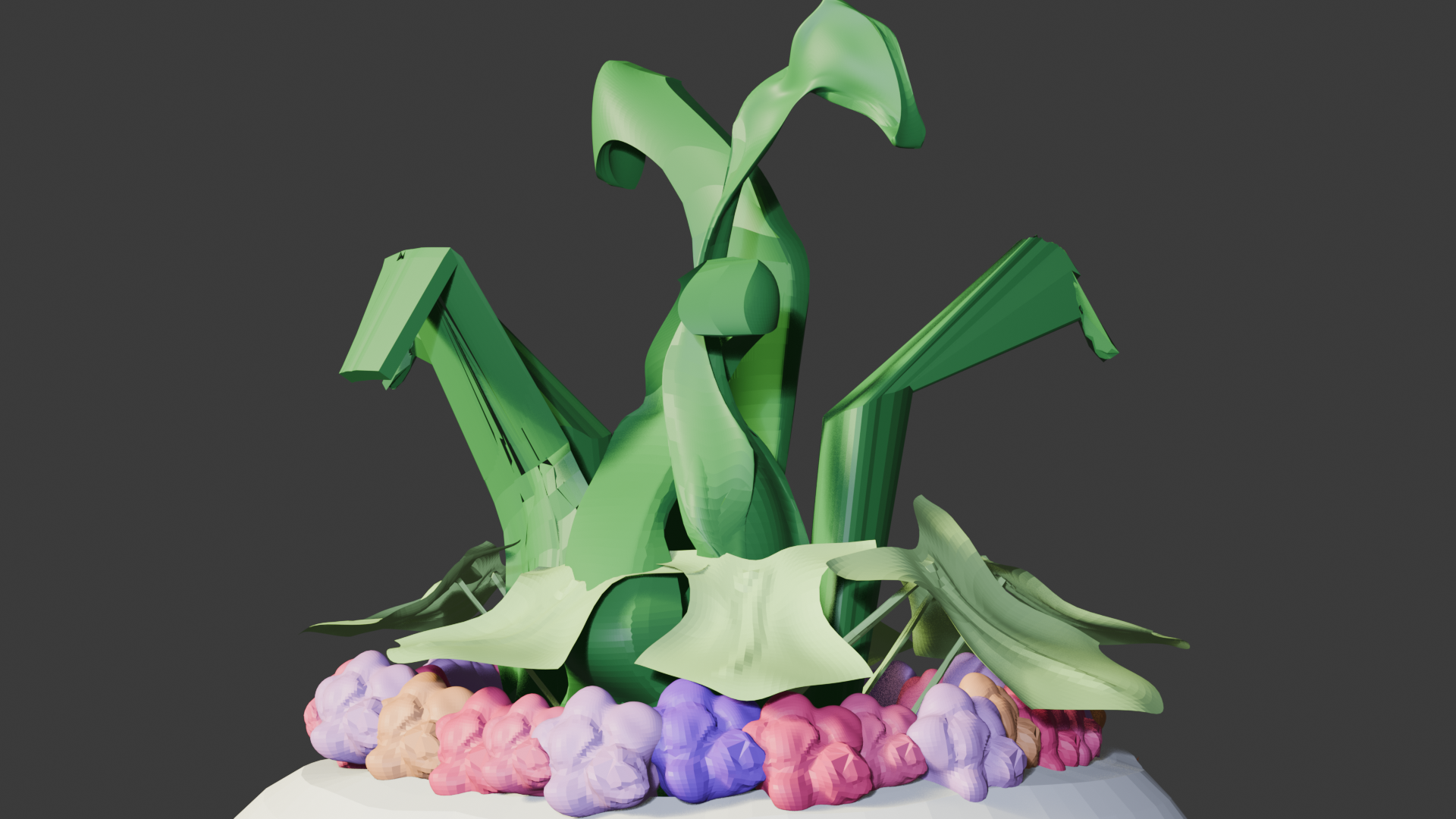
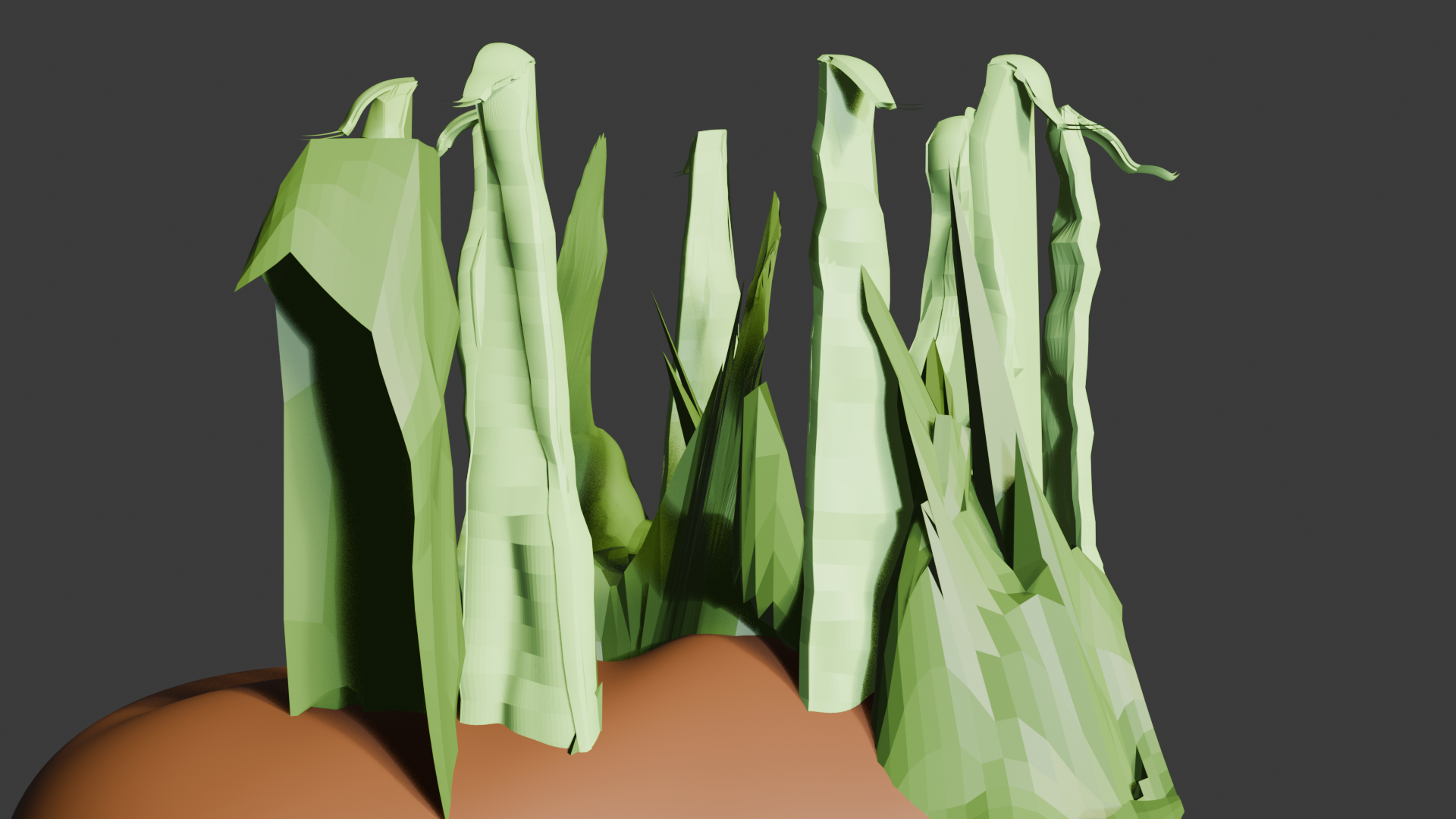
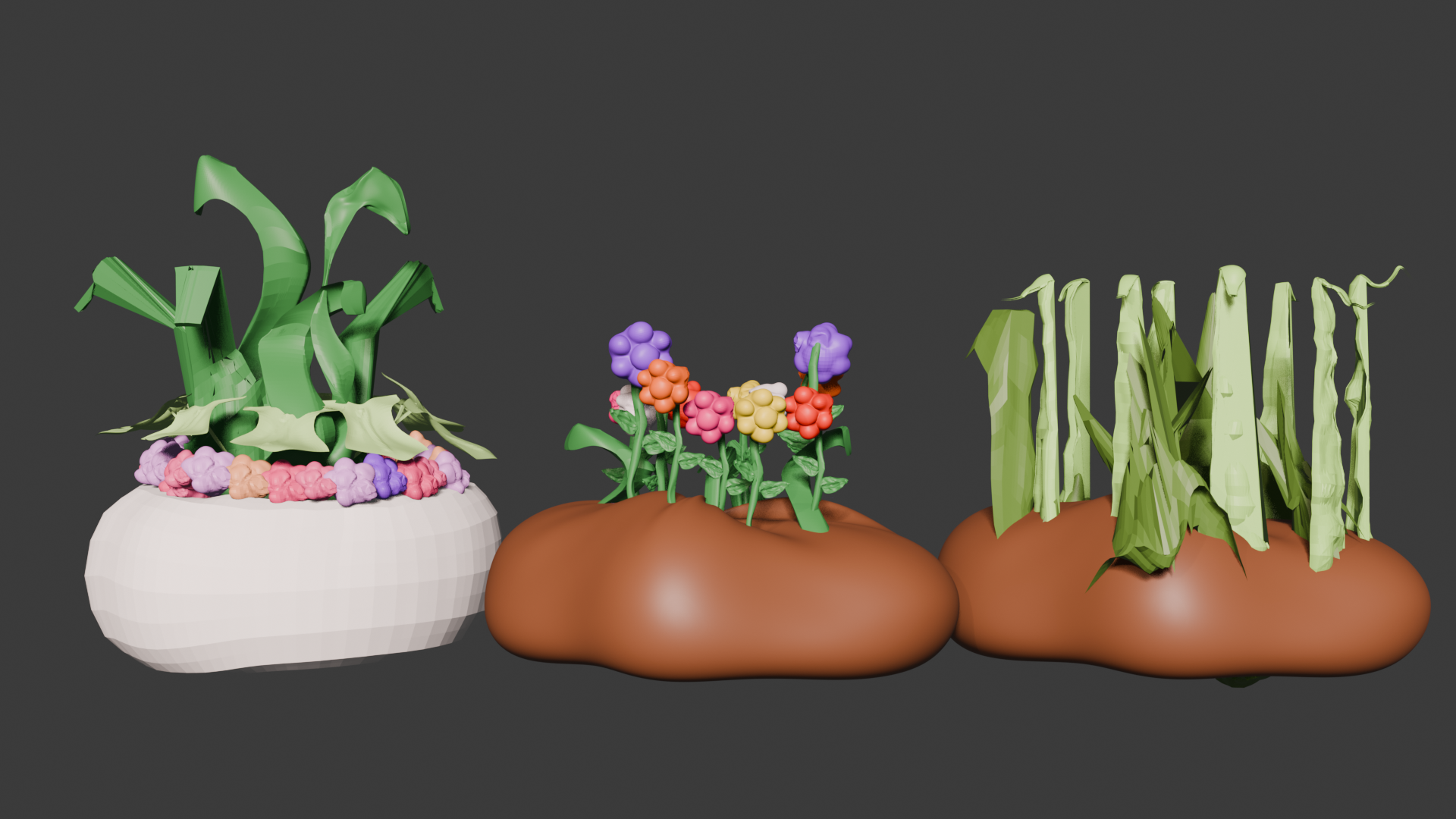
These are my 3D models for flowers I found around campus, ranging in size and colors. I made these three objects to look fake but also realistic at the same time. I wanted to create a style that was not photorealistic but still believable. I used simple shapes and bright colors to achieve this look with sculpting.
Pop - Record Player
Software:
Blender
Description:
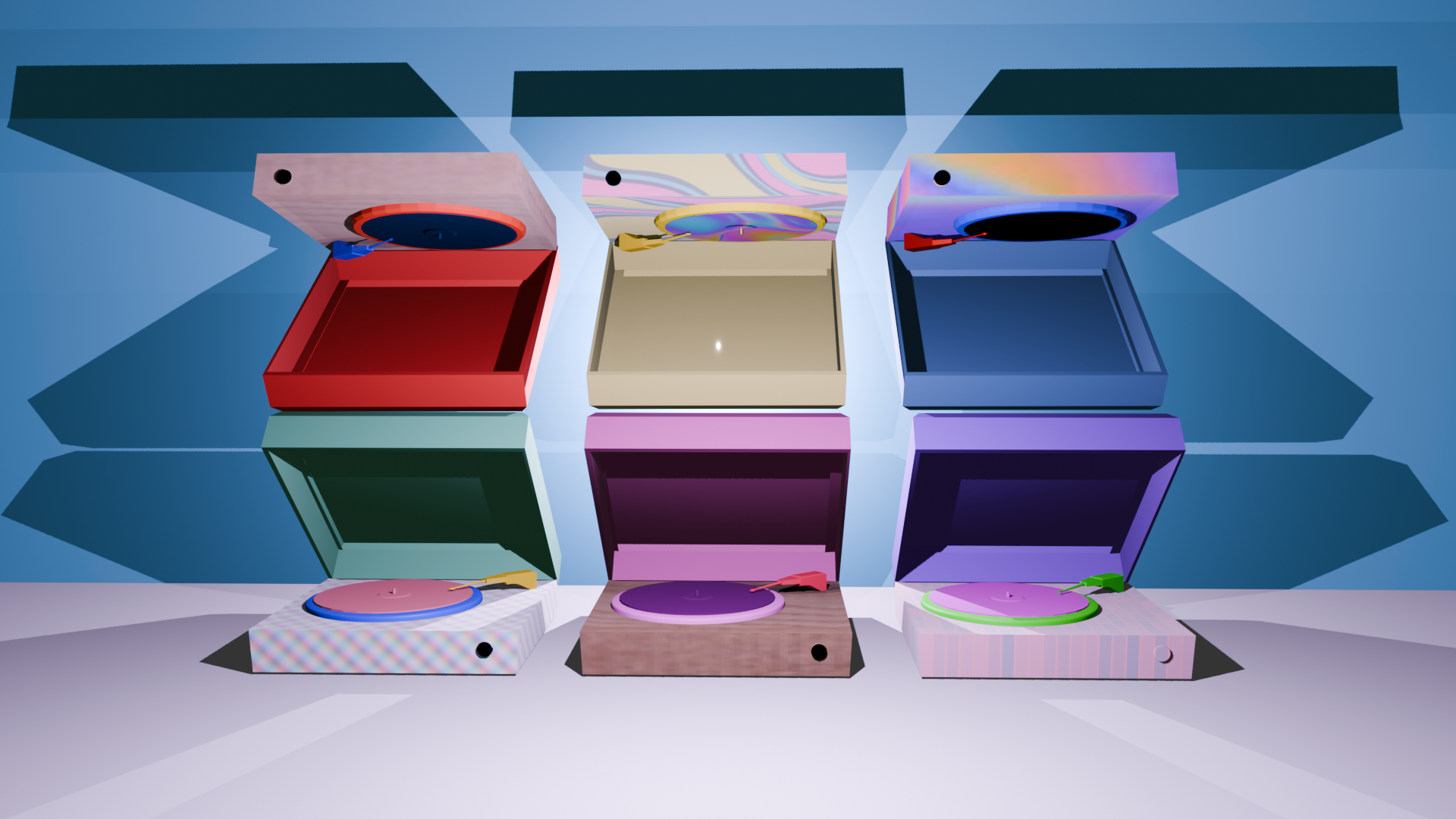
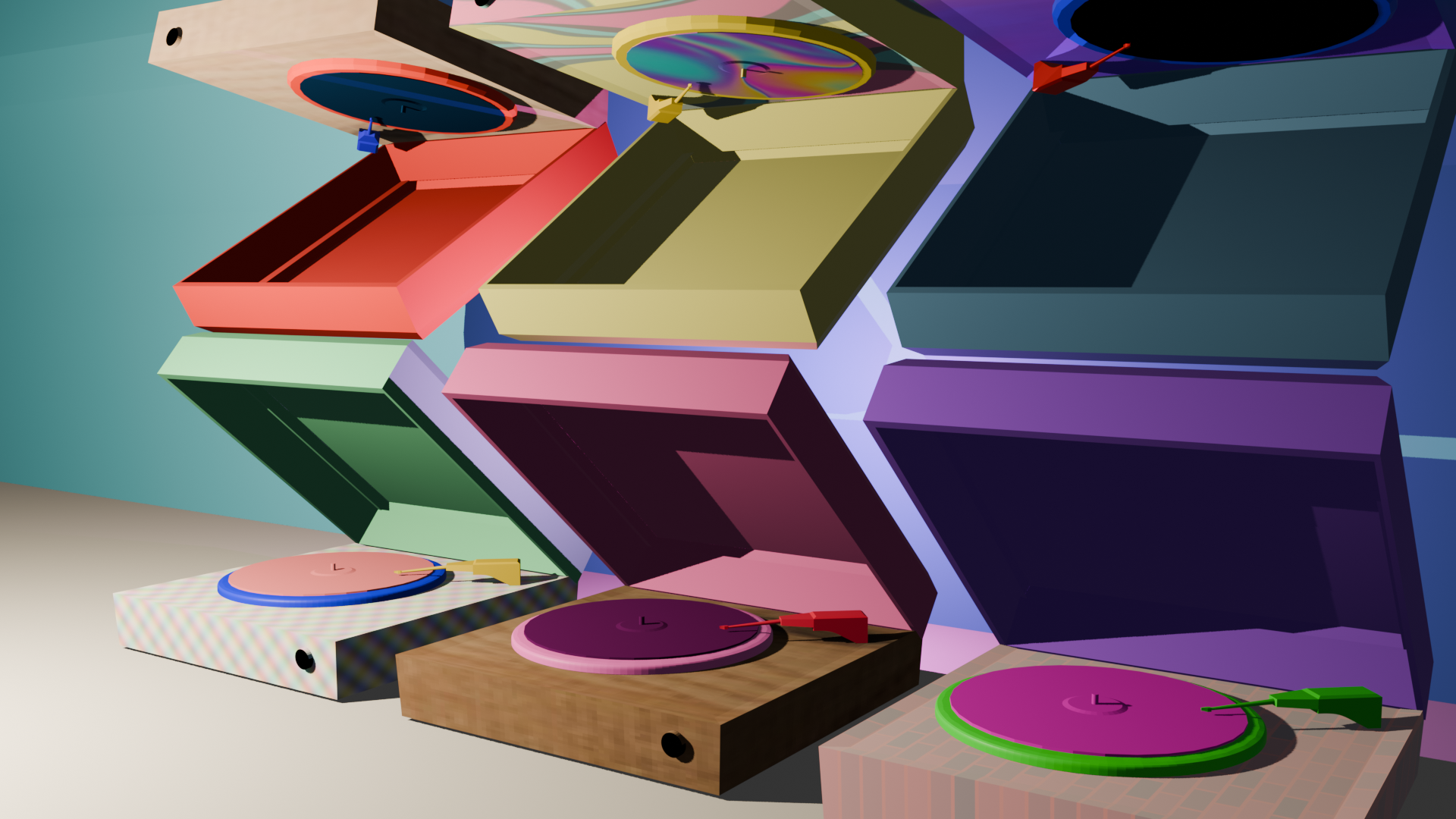
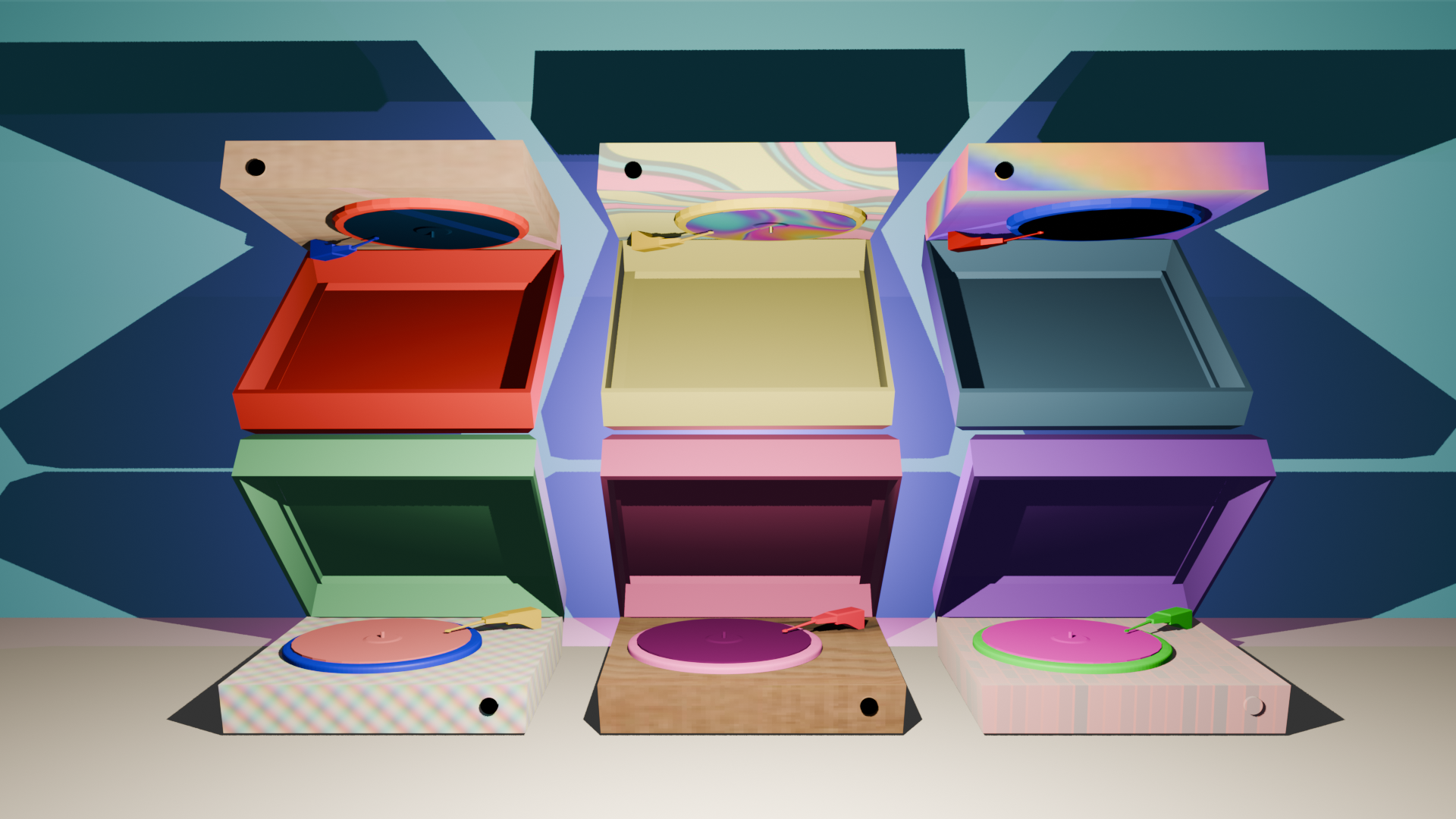
The goal of this project was to make a Pop art style image using Blender. I created a scene with seven different record players. This allowed me to mess around with textures and different ways objects render. I used bright colors and simple shapes to create a fun and energetic scene. I also played around with lighting to create interesting shadows and highlights on the objects. This project helped me understand how to use Blender to create art and texture painting.
Impressionism - Posed Heart
Software:
Blender
Description:
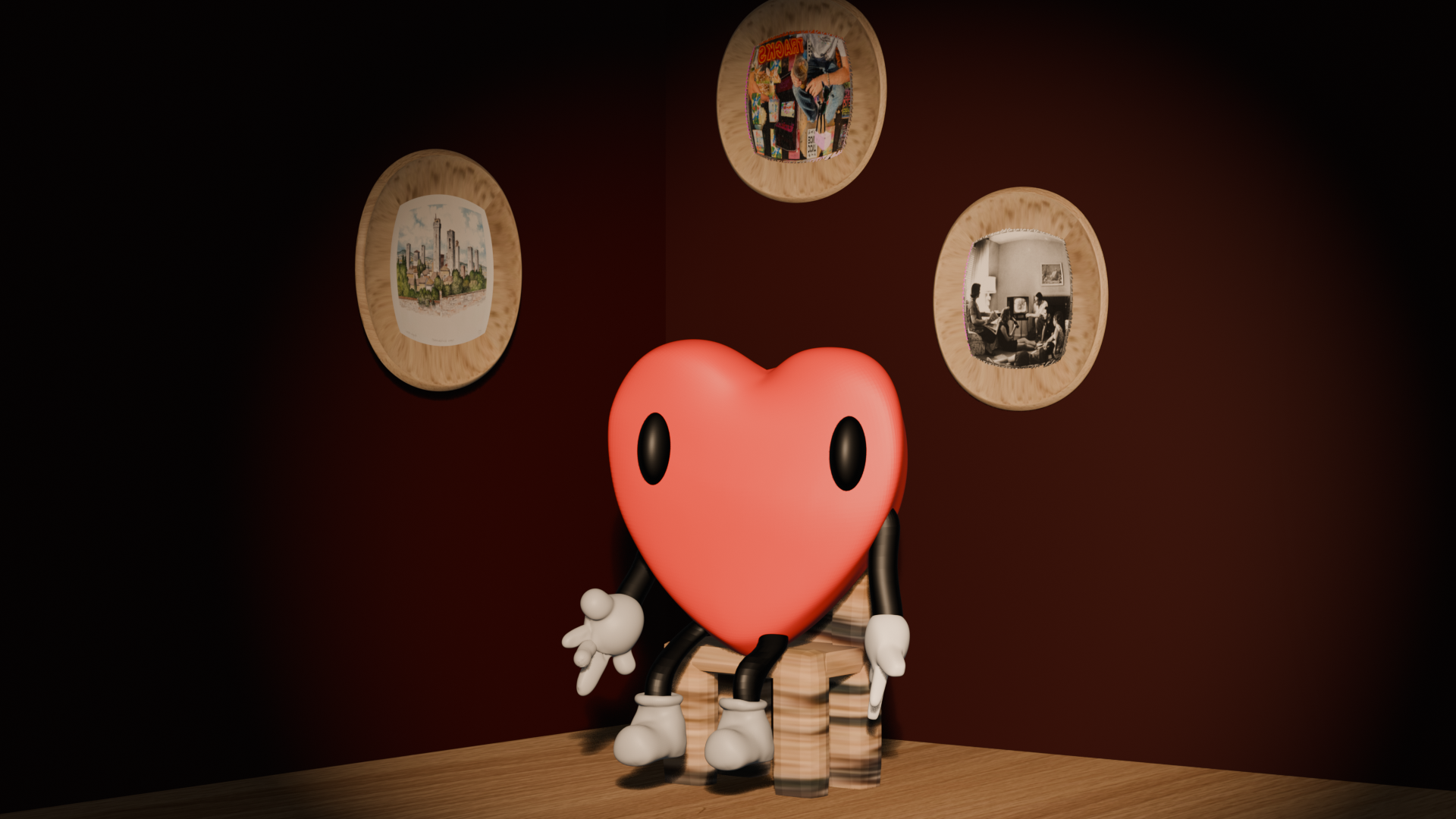
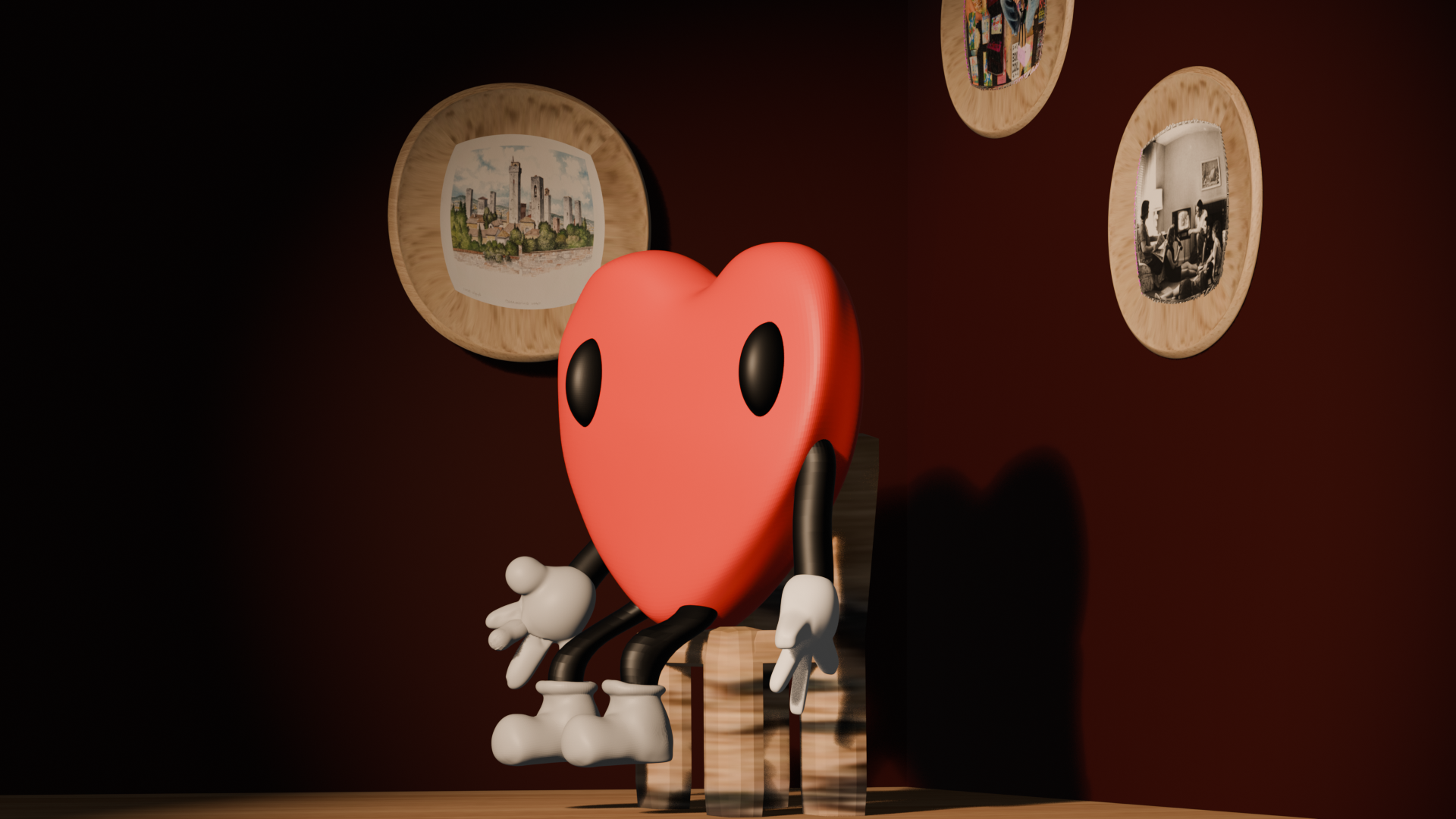
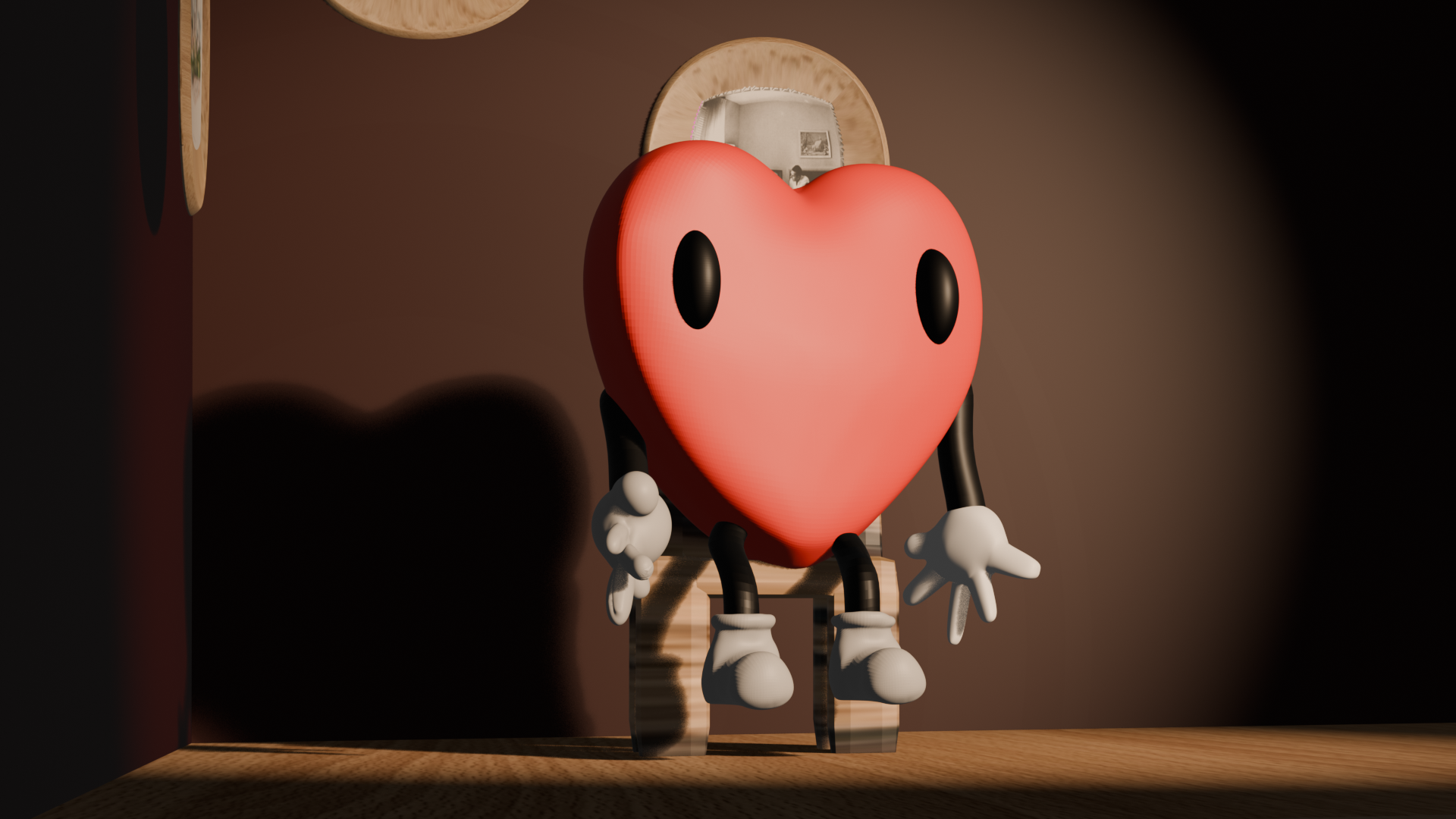
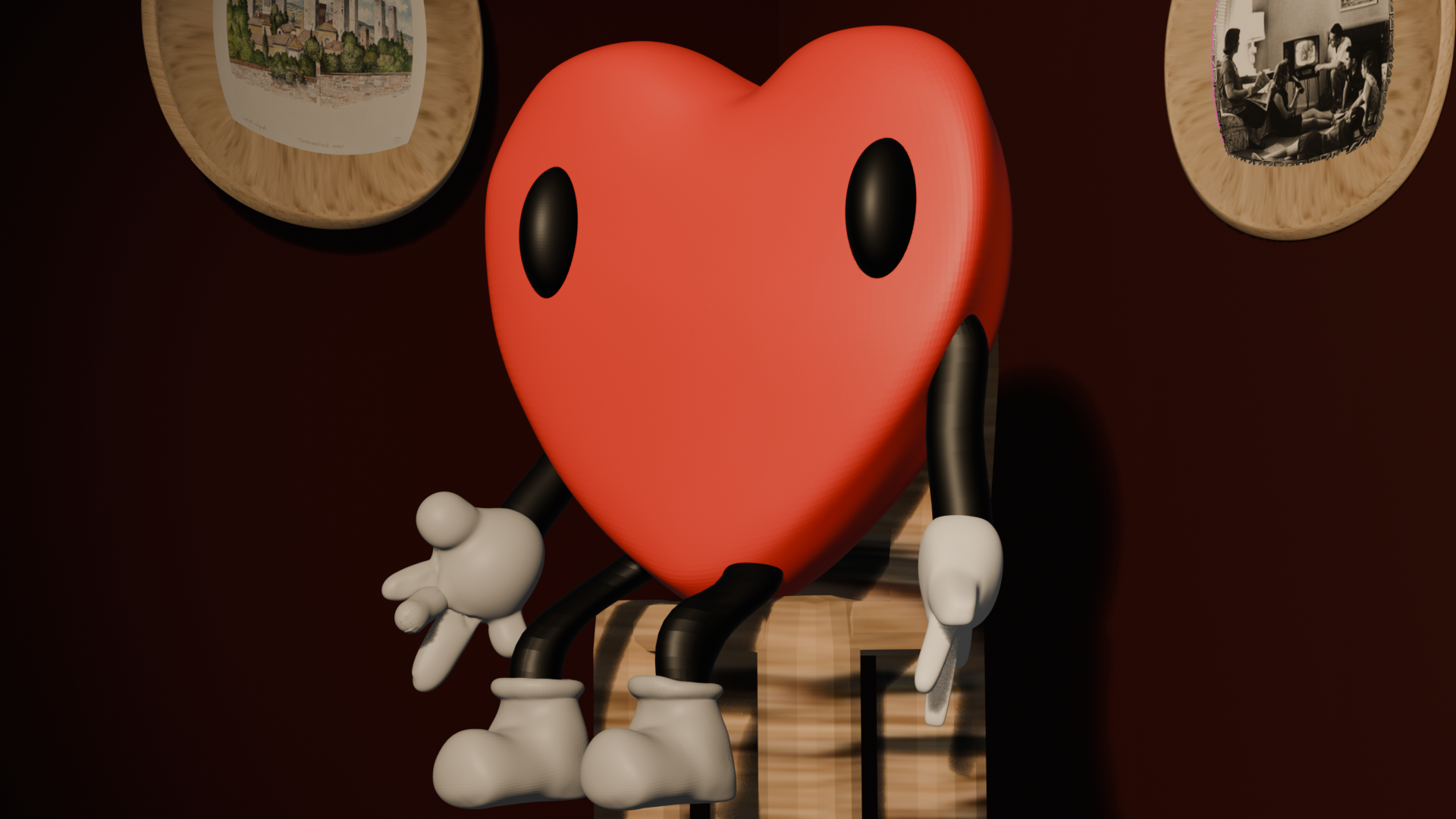
These renders were inspired by impressionist lighting and how a scene renders. I based it off my custom character, making him a rig so I was able to position him on the chair. I made it professional-like with the photos in the back, jokingly adding photos I had on my computer. I used a warm spotlight to create a focus on him and his pose.
(Sur/Hyper)Realism - Watching You
Software:
Blender
Description:
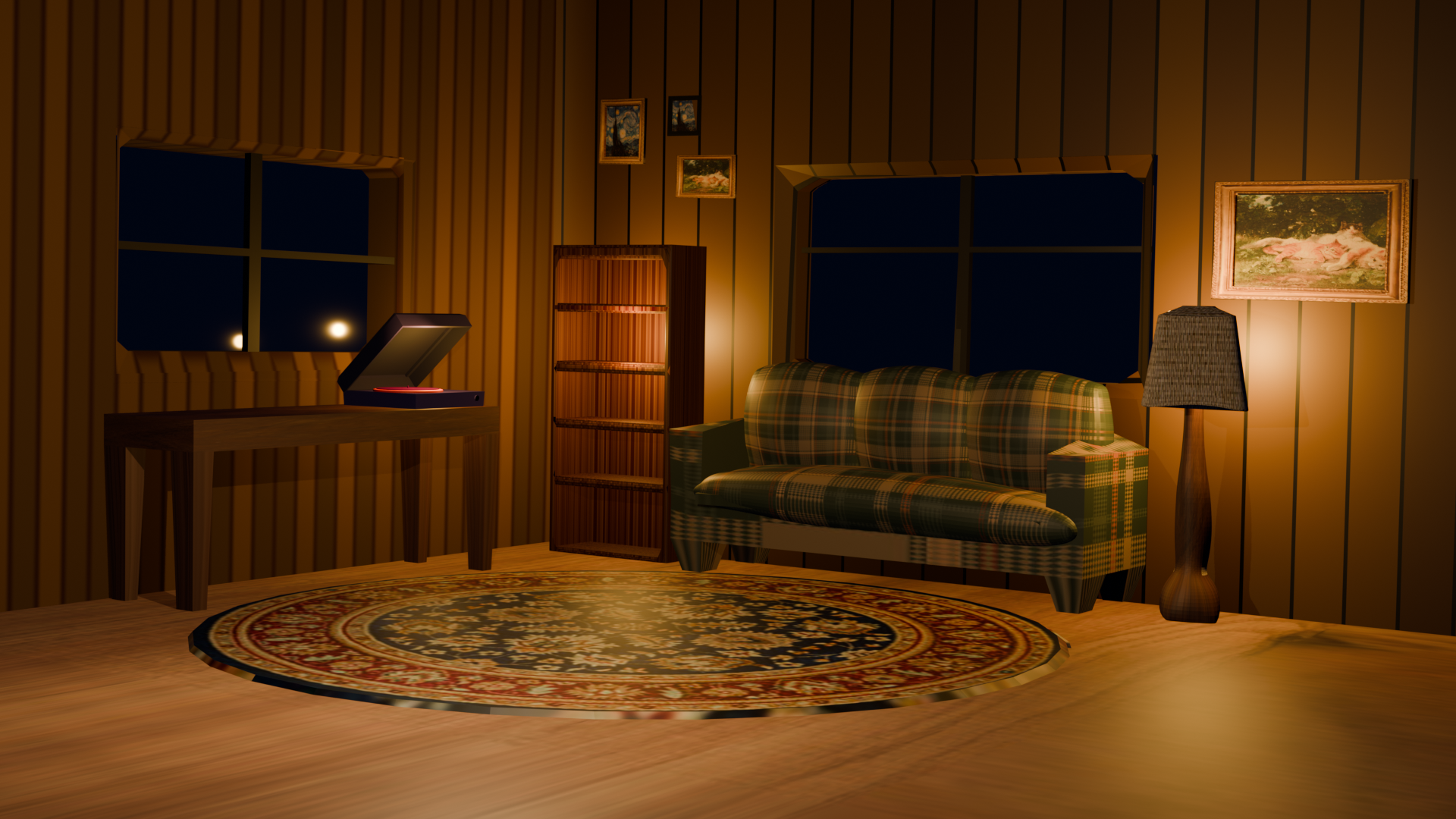
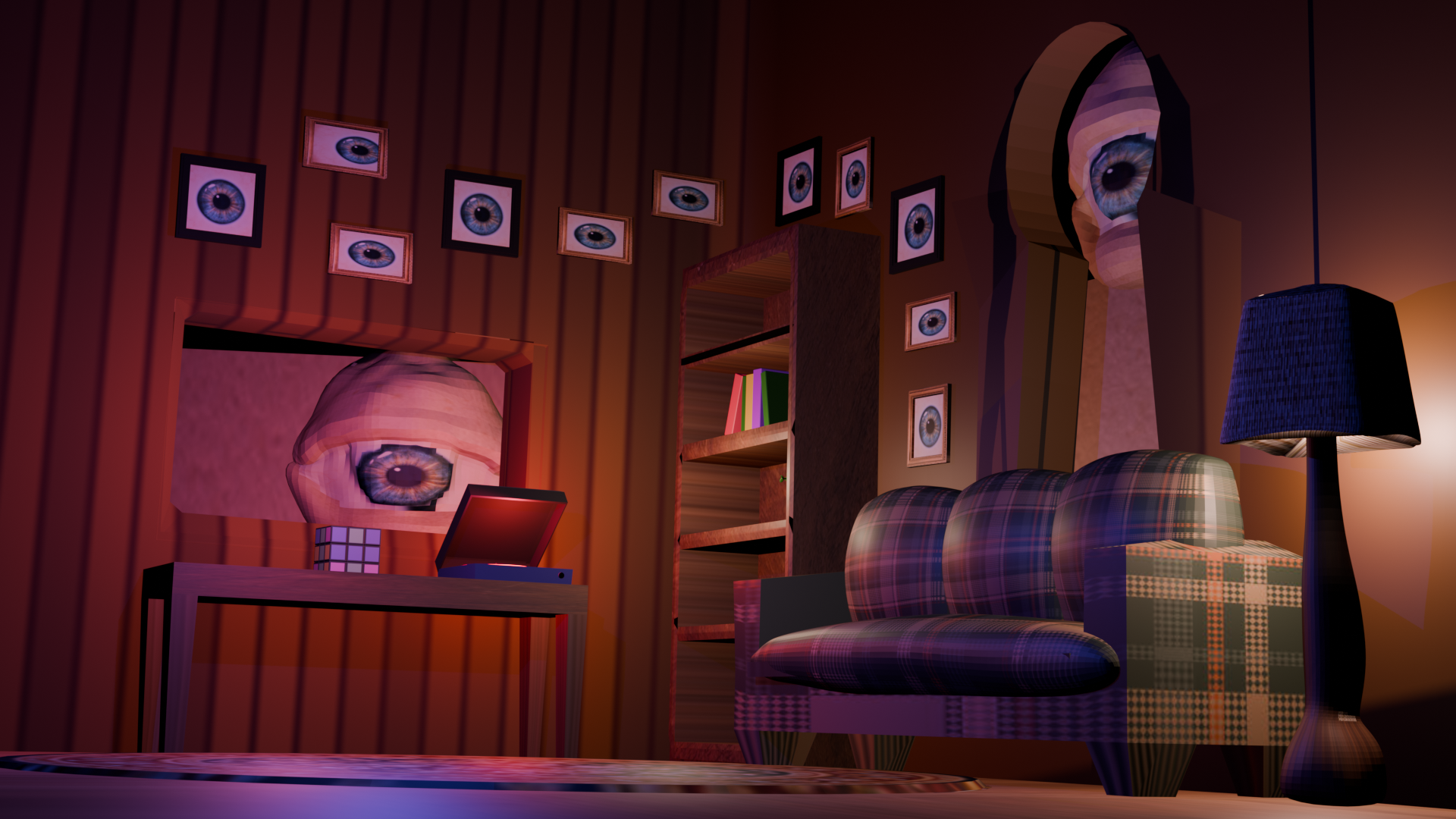
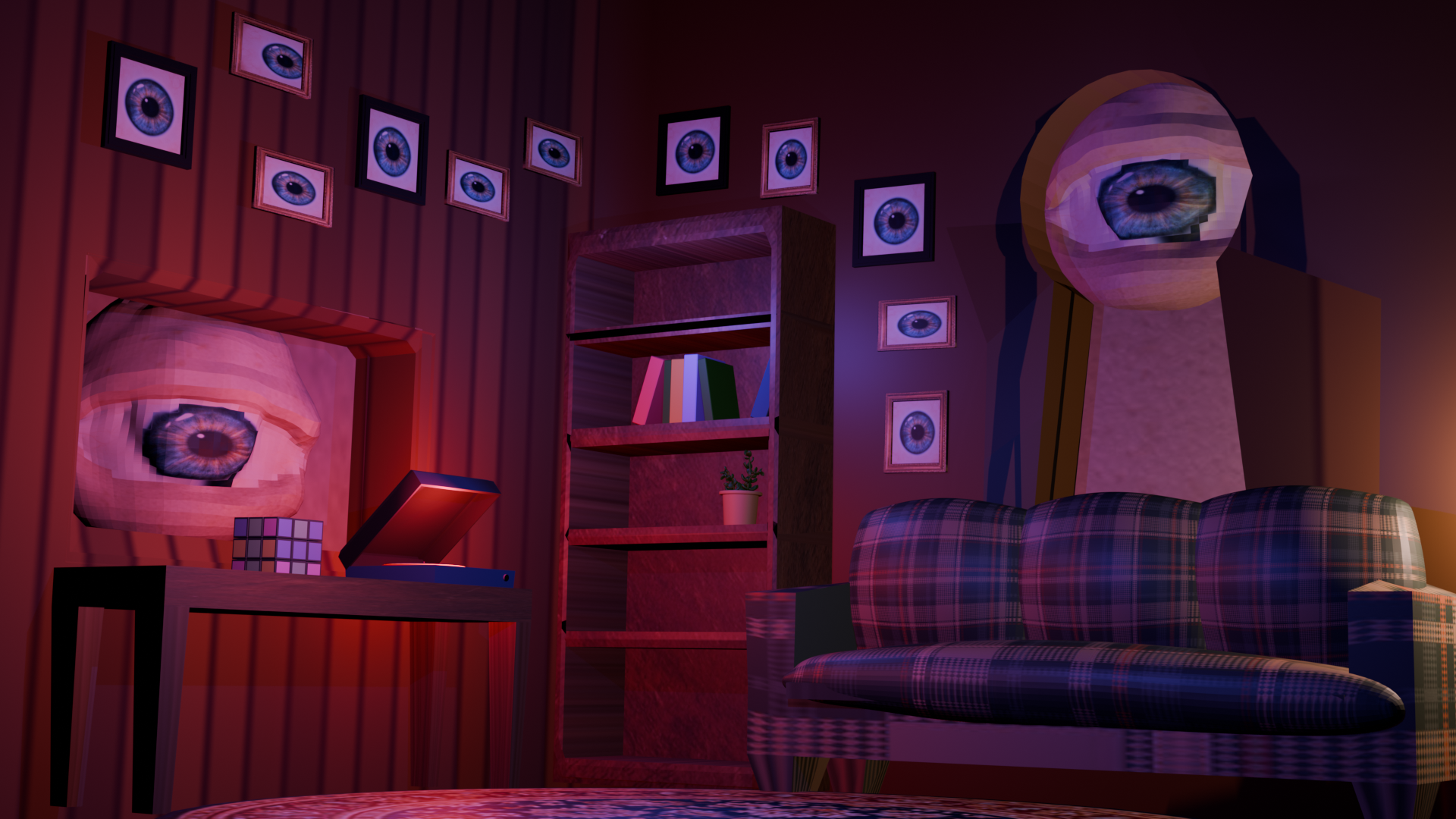
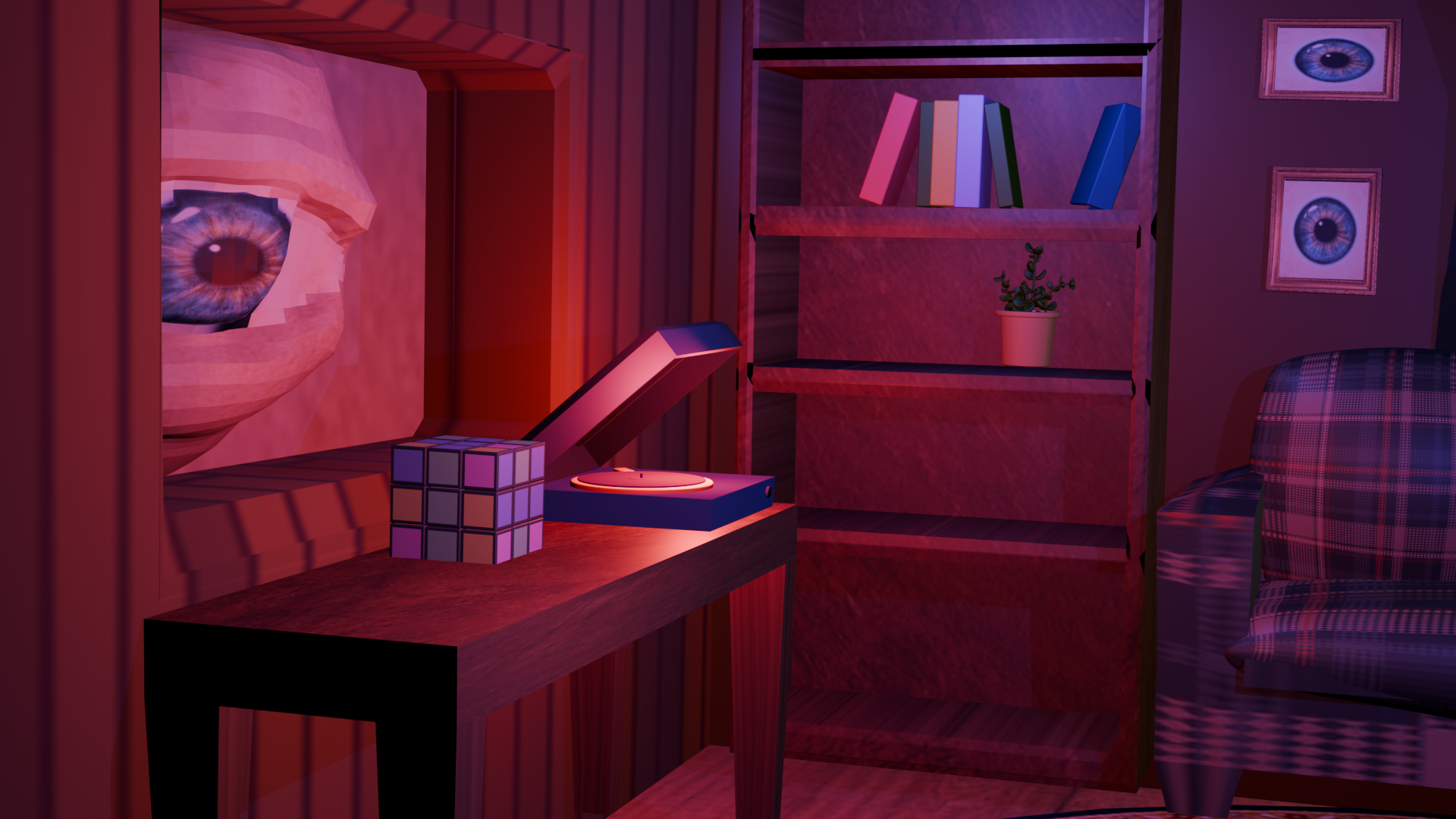
This project was inspired by surrealism and hyperrealism art styles. This is based in a room with windows that feature eyes looking in. Without the eyes, it wouldn't have the creepy surrealism vibe. My idea came from the concept of we are always being watched. I was also inspired by "Thorne Miniature Rooms" by Narcissa Niblack Thorne, which are small detailed rooms that look real but are not. I wanted to create a similar effect with this room with the scale of the eyes.
Unity - Destroy The Studio
Software:
Blender, Unity, C#
Description:
Destroy the Studio - an interactive Unity game where the player is able to move and displace objects. This was the first version of my file as I developed off of this. The player is able to move objects using their body, as this one does not have the picking up and dropping tool. Your goal is to move the objects around and destroy the studio. You aren’t able to fix it unless you push it back, but it represents the power of physics in interactive worlds.
Final Project - Build the Studio
Software:
Blender, Unity, C#
Description:
Build the Studio - an interactive Unity game where the user can pick up and drop objects all around the room. The experience is designed to allow open-ended exploration and interaction, with no explicit instructions or defined goals. At first, players enter the studio and see its possibilities on their own. The text prompt at the bottom provides optional guidance without turning the experience into a guessing game. The key feature of my work is combining old models with new models, which helps the player see the difference between different masses and colliding shapes. The code relies on ray casting and custom scripts that were developed under the guidance of a friend. This project came together despite my lack of experience in these two systems. This project explores how users engage with a space when given the freedom to do anything. A user could enter this studio and not know about the drop and drag, instead just look at the models. The difference in how a player would interact with the game depends on the setting I introduce it in. When I show it to my roommate, she didn’t know what to do, but when I show it to the class, they will understand. If I continue developing this work and turn it into the interactive website that was imagined, I will enhance the user UI.